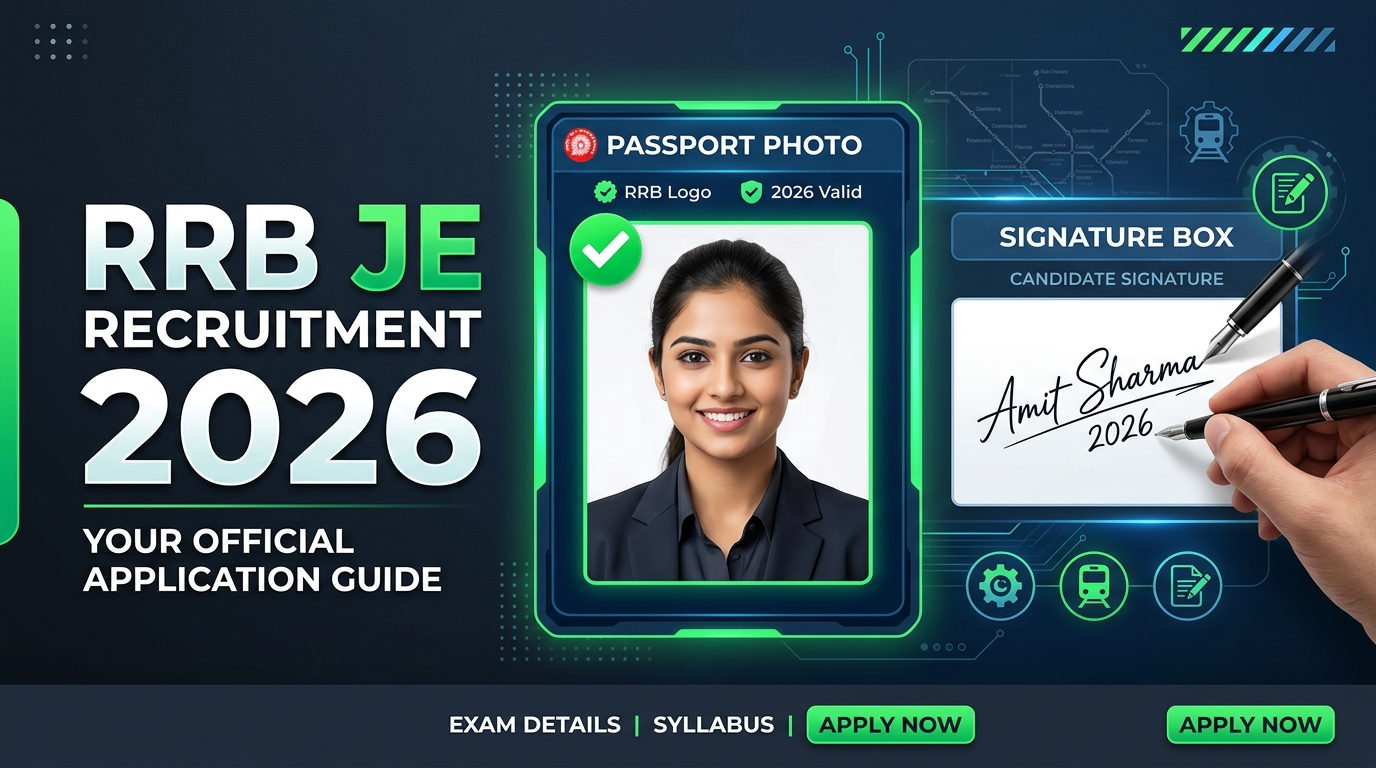
The Railway Recruitment Board (RRB) has officially opened the application window for the Junior Engineer (JE) CEN 04/2026 recruitment drive, offering 3,993 vacancies. Millions of engineering graduates and diploma holders across India are applying for these coveted posts. However, in every recruitment cycle, thousands of applications are rejected due to incorrect document uploads.
For CEN 04/2026, RRB has introduced a major change: Live Candidate Photograph capture instead of static photo uploads. In this comprehensive guide, we will break down the official requirements for the live photograph and scanned signature, and show you how to format them perfectly using free client-side tools.
1. RRB JE 2026 Live Photograph Requirements
Unlike previous years, you cannot upload a pre-existing passport photo file. You must capture your photo live during the application process using a computer webcam or a smartphone camera.
- Background: The background must be plain and light-colored (preferably white or light grey).
- Lighting: Ensure there is bright, even light on your face. Avoid shadows, glares, or backlighting.
- Pose: Look straight into the camera lens with eyes wide open and a neutral expression. Both ears must be clearly visible.
- No Accessories: Do not wear caps, sunglasses, headphones, or colored spectacles. Plain corrective glasses are allowed, but make sure there is no reflection on the lenses.
- File Size: Once captured, the portal compresses the file. Ensure the final image is between 30 KB and 70 KB in JPG/JPEG format.
2. RRB JE 2026 Scanned Signature Specifications
You must sign on a sheet of paper, scan it (or take a high-quality picture), and upload it. The signature must comply with the following strict guidelines:
- Ink Color: You must sign using a Black Ink Pen only. Signatures in blue, red, or other ink colors may be rejected.
- Paper: Write on clean, unruled white paper.
- Handwriting Style: The signature must be in running handwriting. Signatures written in BLOCK / CAPITAL LETTERS will be rejected immediately.
- Dimensions: The signature image must fit within a physical box of 50 mm × 20 mm.
- File Size & Format: The file size must be between 30 KB and 70 KB in JPG/JPEG format.
Document Upload Specifications Summary Table
| Document Type | File Format | File Size Limit | Other Key Specifications |
|---|---|---|---|
| Live Candidate Photo | JPG / JPEG | 30 KB – 70 KB | Captured live via webcam/mobile; plain white/light background. |
| Scanned Signature | JPG / JPEG | 30 KB – 70 KB | Black ink pen; running hand; must fit 50mm x 20mm dimensions. No capital letters. |
How to Resize Your Signature to 30KB - 70KB Online
If your scanned signature file is too large (e.g. 500KB or 1MB) or too small, the RRB portal will throw an upload error. You can quickly resize and compress your signature to the exact 30KB - 70KB range completely privately using the IndianClass Pro File Converter:
- Go to the Pro File Converter Tool on IndianClass.
- Drag and drop your scanned signature image.
- Set the output format to JPEG/JPG.
- Under the compression settings, drag the target quality slider or specify the target size to be 50 KB (which is the sweet spot between 30KB and 70KB).
- Click Convert and download your perfectly resized signature file. It is now ready to upload on the RRB portal!
Note: All document processing on IndianClass is 100% browser-based. Your images and documents are processed locally on your device and are never uploaded to any external server, ensuring maximum privacy for your official certificates.
Avoid Rejection: Important Checklist
- Double-check that the signature is not smudged or blurry before final submission.
- If you make an error, the RRB modification window will open from September 16 to September 25, 2026. Note that modifying an application requires a fee of ₹250.
- Apply early through the official portal rrbapply.gov.in to avoid last-minute server congestion.